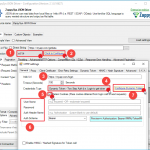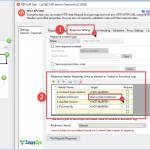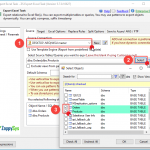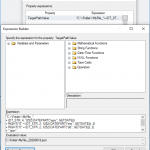
Format Date – SSIS YYYYMMDD from date Often, you need to create file paths with a timestamp using an SSIS Expression. You can use SSIS Expressions Below is a simple expression that will produce a file path with the current timestamp
|
1 2 3 4 |
"C:\\Folder\\MyFile_" + (DT_STR, 4, 1252) DATEPART("yyyy" , GETDATE()) + RIGHT("0" + (DT_STR, 2, 1252) DATEPART("mm" , GETDATE()), 2) + RIGHT("0" + (DT_STR, 2, 1252) DATEPART("dd" , GETDATE()), 2) + ".json" |
Sample Output C:\Folder\MyFile_20151231.json Convert Date – SSIS YYYYMMDD to Date
|
1 2 3 4 5 6 7 8 9 |
--// For Control Flow //--- (DT_DATE)(SUBSTRING(@[yourDateAsStr],1,4) + "-" + SUBSTRING(@[yourDateAsStr],5,2) + "-" + SUBSTRING(@[yourDateAsStr],7,2)) --// For Data Flow //-- (DT_DATE)(SUBSTRING([field],1,4) + "-" + SUBSTRING([field],5,2) + "-" + SUBSTRING([field],7,2)) |
Set the SSIS […]