

Endpoint Get Sheet Fields
Name
get_sheet_fields
Description
Get Sheet fields by Sheet ID. [API reference]
Parameters
| Parameter | Required | Options |
|---|---|---|
|
Name:
Label: SheetId |
YES | |
|
Name:
Label: Column Ids (Default=All Columns) A comma-separated list of column ids. The response contains only the specified columns in the columns array, and individual rows' cells array only contains cells in the specified columns. |
Output Columns
| Label | Data Type (SSIS) | Data Type (SQL) | Length | Description |
|---|---|---|---|---|
| Id |
DT_I8
|
bigint
|
||
| Version |
DT_I4
|
int
|
||
| Index |
DT_I4
|
int
|
||
| Title |
DT_WSTR
|
nvarchar(100)
|
100 | |
| Type |
DT_WSTR
|
nvarchar(50)
|
50 | |
| Width |
DT_I4
|
int
|
||
| SystemColumnType |
DT_WSTR
|
nvarchar(100)
|
100 | |
| ContactOptionsName |
DT_WSTR
|
nvarchar(500)
|
500 | |
| ContactOptionsEmail |
DT_WSTR
|
nvarchar(500)
|
500 | |
| Options |
DT_WSTR
|
nvarchar(500)
|
500 | |
| Description |
DT_WSTR
|
nvarchar(1000)
|
1000 | |
| Validation |
DT_BOOL
|
bit
|
||
| AutoNumberFormatPrefix |
DT_WSTR
|
nvarchar(100)
|
100 | |
| AutoNumberFormatFill |
DT_WSTR
|
nvarchar(50)
|
50 | |
| AutoNumberFormatSuffix |
DT_WSTR
|
nvarchar(100)
|
100 | |
| Format |
DT_WSTR
|
nvarchar(100)
|
100 | |
| Symbol |
DT_WSTR
|
nvarchar(50)
|
50 | |
| Primary |
DT_BOOL
|
bit
|
||
| Locked |
DT_BOOL
|
bit
|
||
| LockedForUser |
DT_BOOL
|
bit
|
If the column you are looking for is missing, consider customizing Smartsheet Connector.
Input Columns
| Label | Data Type (SSIS) | Data Type (SQL) | Length | Description | |||||||||||||||||||||||||||||||||||||||||||||||||||||||||||||||||||||||||||||||||||||||||||||||
|---|---|---|---|---|---|---|---|---|---|---|---|---|---|---|---|---|---|---|---|---|---|---|---|---|---|---|---|---|---|---|---|---|---|---|---|---|---|---|---|---|---|---|---|---|---|---|---|---|---|---|---|---|---|---|---|---|---|---|---|---|---|---|---|---|---|---|---|---|---|---|---|---|---|---|---|---|---|---|---|---|---|---|---|---|---|---|---|---|---|---|---|---|---|---|---|---|---|---|---|
| There are no Static columns defined for this endpoint. This endpoint detects columns dynamically at runtime. | |||||||||||||||||||||||||||||||||||||||||||||||||||||||||||||||||||||||||||||||||||||||||||||||||||
Examples
SSIS
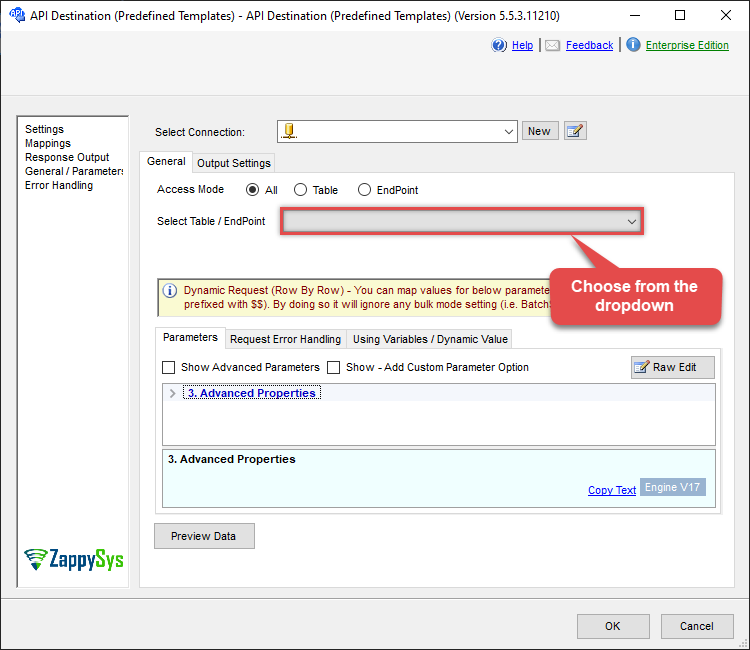
Use Smartsheet Connector in API Source or in API Destination SSIS Data Flow components to read or write data.
API Source

API Source - Smartsheet
Read and write Smartsheet data effortlessly. Integrate, manage, and automate sheets, rows, and reports — almost no coding required.
Smartsheet
Get Sheet Fields
| Required Parameters | |
|---|---|
| SheetId | Fill-in the parameter... |
| Filter | Fill-in the parameter... |
| Optional Parameters | |
| Column Ids (Default=All Columns) | |

API Destination
API Destination - Smartsheet
Read and write Smartsheet data effortlessly. Integrate, manage, and automate sheets, rows, and reports — almost no coding required.
Smartsheet
Get Sheet Fields
| Required Parameters | |
|---|---|
| SheetId | Fill-in the parameter... |
| Filter | Fill-in the parameter... |
| Optional Parameters | |
| Column Ids (Default=All Columns) | |
ODBC application
Use these SQL queries in your ODBC application data source:
Get sheet fields
SELECT * FROM get_sheet_fields
WITH
(
    "SheetId" = 'abcd-1234-sheetid',
    "Filter" = '$.columns[*]'
)
SQL Server
Use these SQL queries in SQL Server after you create a data source in Data Gateway:
Get sheet fields
DECLARE @MyQuery NVARCHAR(MAX) = 'SELECT * FROM get_sheet_fields
WITH
(
    "SheetId" = ''abcd-1234-sheetid'',
    "Filter" = ''$.columns[*]''
)';

EXEC (@MyQuery) AT [LS_TO_SMARTSHEET_IN_GATEWAY];